Tabs and personal apps
Your app or SharePoint page inside Teams.
- Channel and personal tabs
- SPFx web parts as Teams apps
- Single sign-on with Entra ID
 brillienta
Book a demo ↗
brillienta
Book a demo ↗
HOME / SERVICES / MICROSOFT TEAMS DEVELOPMENT
✳ MICROSOFT TEAMS DEVELOPMENT
We build Microsoft Teams apps that put requests, approvals and information inside the conversations your people already have: tabs and personal apps, bots, message extensions and Adaptive Card notifications — backed by SharePoint and Microsoft 365.
A consulting and development service — scoped and quoted per project. Looking for a ready-made app? See our products.
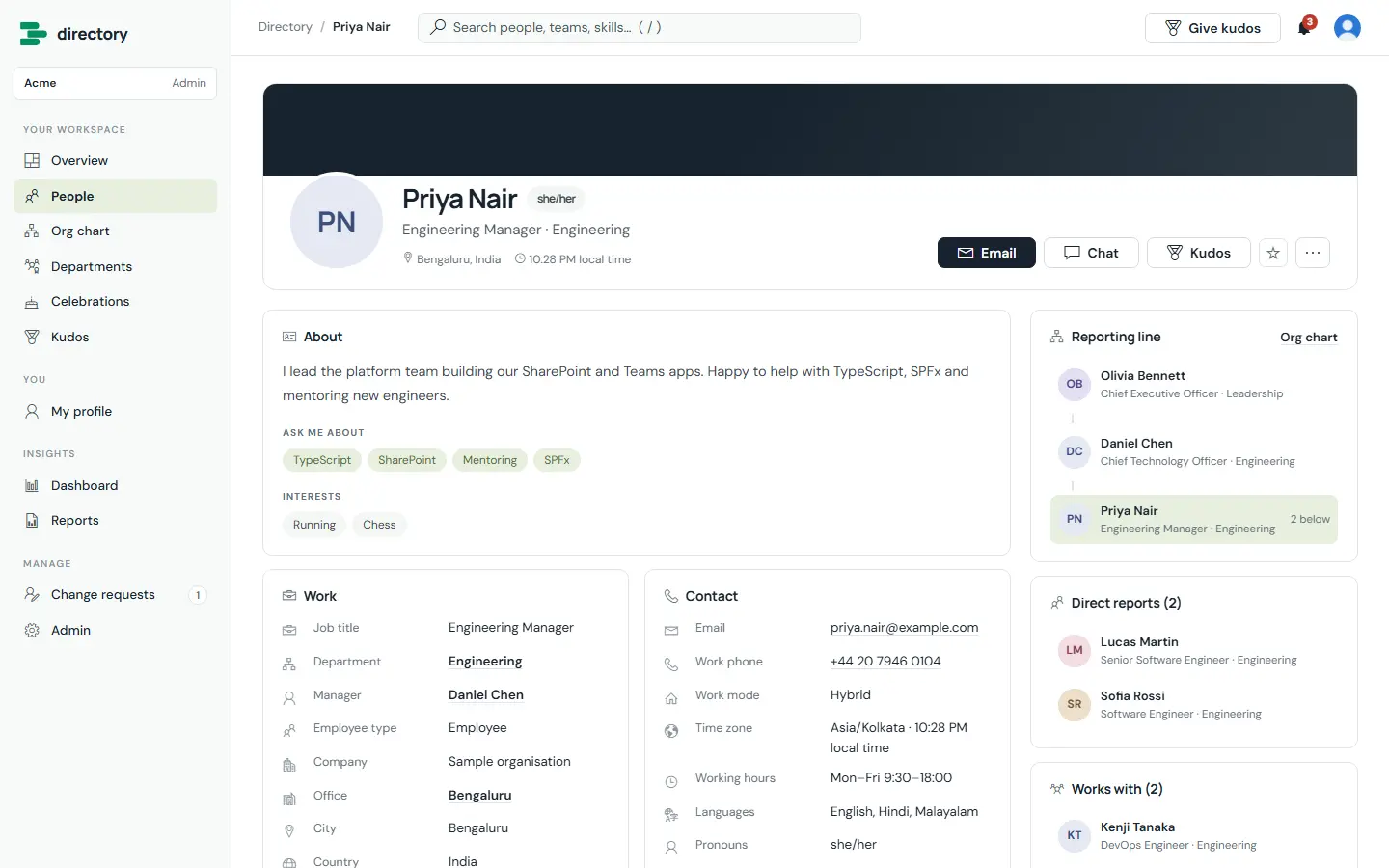
Built by us: a people directory that shows Teams presence and opens chats.
01 / PROBLEMS WE SOLVE
The situations that usually lead teams to us.
Requests and approvals live in separate systems that people forget to check.
Managers miss approval emails; a card in Teams gets answered in seconds.
Teams and channels are created ad hoc, with no naming, ownership or lifecycle.
Systems send emails that would be more useful as actionable messages in the right channel.
02 / CAPABILITIES
Pick one or combine them. Every engagement starts from the business problem, not the technology.
Your app or SharePoint page inside Teams.
Conversational access to your processes.
Decisions without leaving the chat.
Teams created and governed consistently.
03 / ARCHITECTURE & SECURITY
The same rules we follow in our own products — documented in our security overview and trust center.
04 / TYPICAL SOLUTIONS
Representative solution types — every project is scoped to your process.
Requests and approvals answered on Adaptive Cards in Teams.
Raise and track requests from a tab or a bot.
New teams created from templates with the right owners and settings.
Alerts from line-of-business systems posted to the right channel.
05 / HOW A PROJECT RUNS
Fixed scope where it can be, flexible where it must be. See ways to engage: assessment, project build, dedicated team or support.
Workshops with the people who do the work. Output: requirements, constraints and an estimate.
Architecture, permissions and screens. Output: a prototype and a fixed plan.
Short iterations with demos on your tenant. Output: tested, packaged releases.
Rollout, training and admin guides. Output: a solution your team can run.
06 / RELATED PRODUCTS
Ready-made Brillienta products, licensed per tenant with a 14-day trial. We can tailor them, or build from scratch when that fits better.
Usually yes. SPFx web parts can be added as Teams tabs or personal apps, often with small layout changes.
Tabs built with SPFx do not. Bots need a hosted service, which we deploy to your Azure subscription.
Through your Teams admin center, so your administrators control who can install and use them.
Yes. Adaptive Cards and tabs work in the Teams mobile apps.
MICROSOFT TEAMS DEVELOPMENT