Your data stays in your tenant
Tickets, replies, attachments and settings are SharePoint list items on your site. No vendor database, no third-party service.
 brillienta
Book a demo ↗
brillienta
Book a demo ↗
SERVICE DESK · VERSION 1.0
Employees raise and follow requests in a branded self-service portal; agents work tickets with SLAs, routing, approvals and a knowledge base; managers follow performance in dashboards and reports. Everything is stored in SharePoint lists on your site.
From $39 / month · 14-day free trial of every feature
WHY HELPDESK
Tickets, replies, attachments and settings are SharePoint list items on your site. No vendor database, no third-party service.
A SharePoint page, a Teams tab or personal app — or ask the Microsoft 365 Copilot agent (Enterprise).
SLAs in business hours, routing, approvals, reminders, surveys, reports and archive — configured in Admin, without development.
Validates and repairs its lists after every upgrade, secures new lists, and warns when a Power Automate flow is missing or stopped.
FEATURES
The tags show who uses each feature and the lowest plan that includes it. Every screen is the real product with fictional demo data.
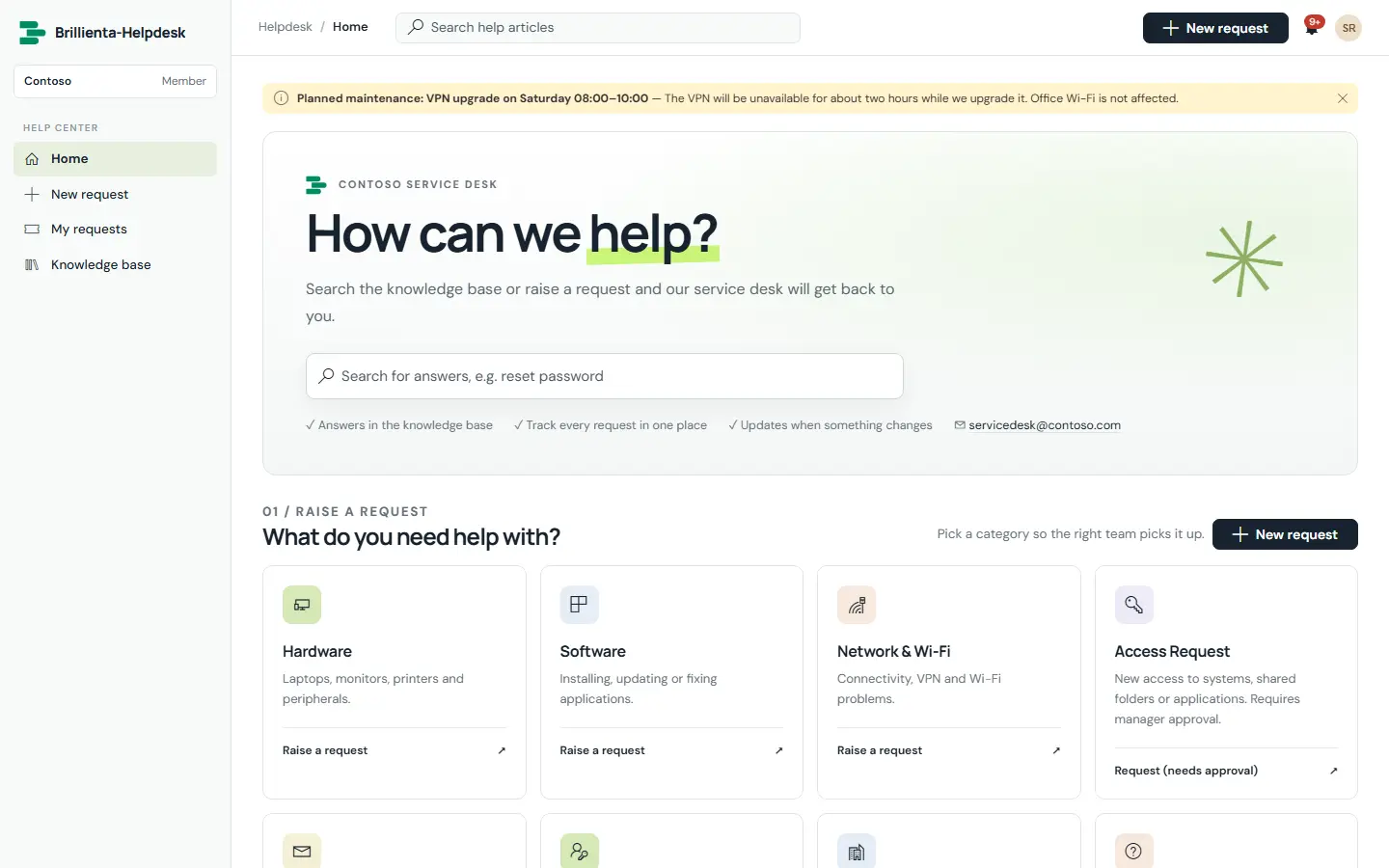
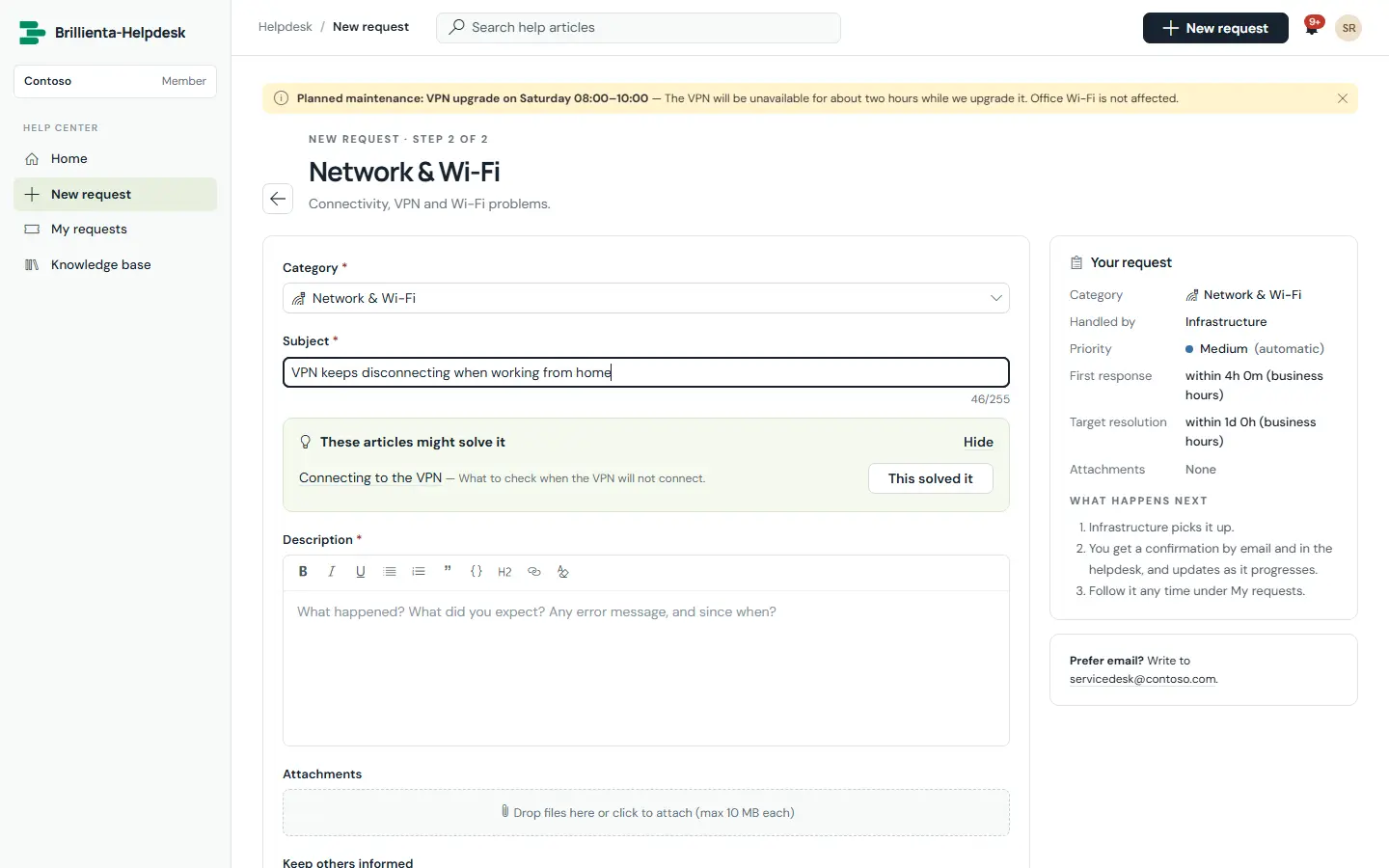
A branded help centre with announcements, knowledge-base search and one catalogue tile per category. One form covers everything: category, service and sub-service, rich-text description with drag-and-drop files, custom fields per category and watchers — with matching articles suggested as people type, and a “This solved it” deflection that records the answer instead of a ticket.
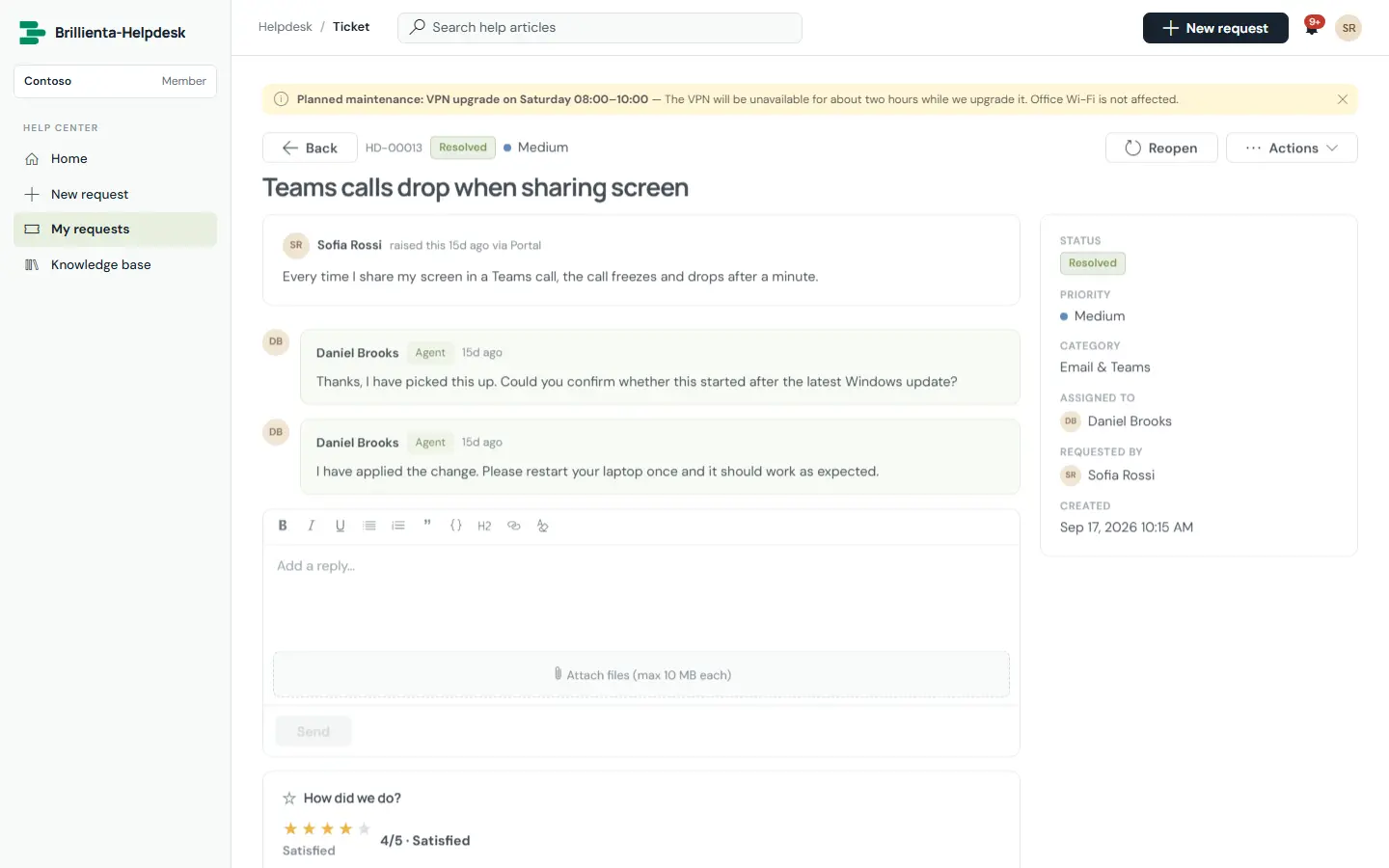
Every request a person raised or watches, in one list — open, resolved, closed and shared with me. The request view shows the public conversation, status, handler, attachments and the satisfaction rating; internal agent notes and history are never shown.
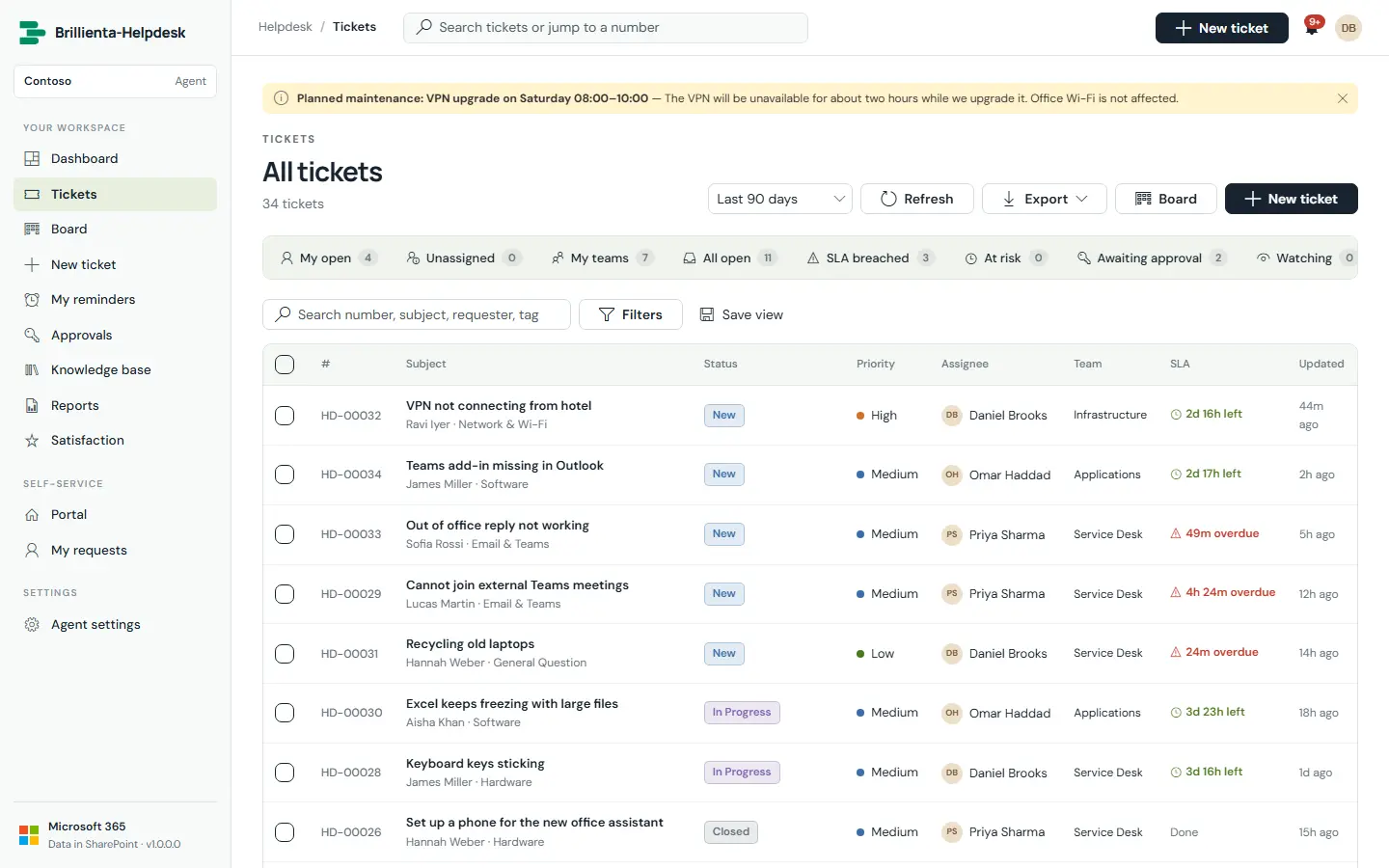
The agent work list with built-in views and live counts — My open, Watching, Unassigned, My teams, All open, Awaiting approval, SLA breached, At risk, Resolved, Closed — plus saved personal and shared views, search, inline filters, group-by, sorting, paging and confirmed bulk assign / status / priority / team.
Everything about a ticket on one screen: public replies and internal notes with @mentions, canned responses with placeholders, macros, signatures, Ctrl+Enter to send, activity log, attachments, editable subject, property sidebar, SLA countdown bars and requester history.
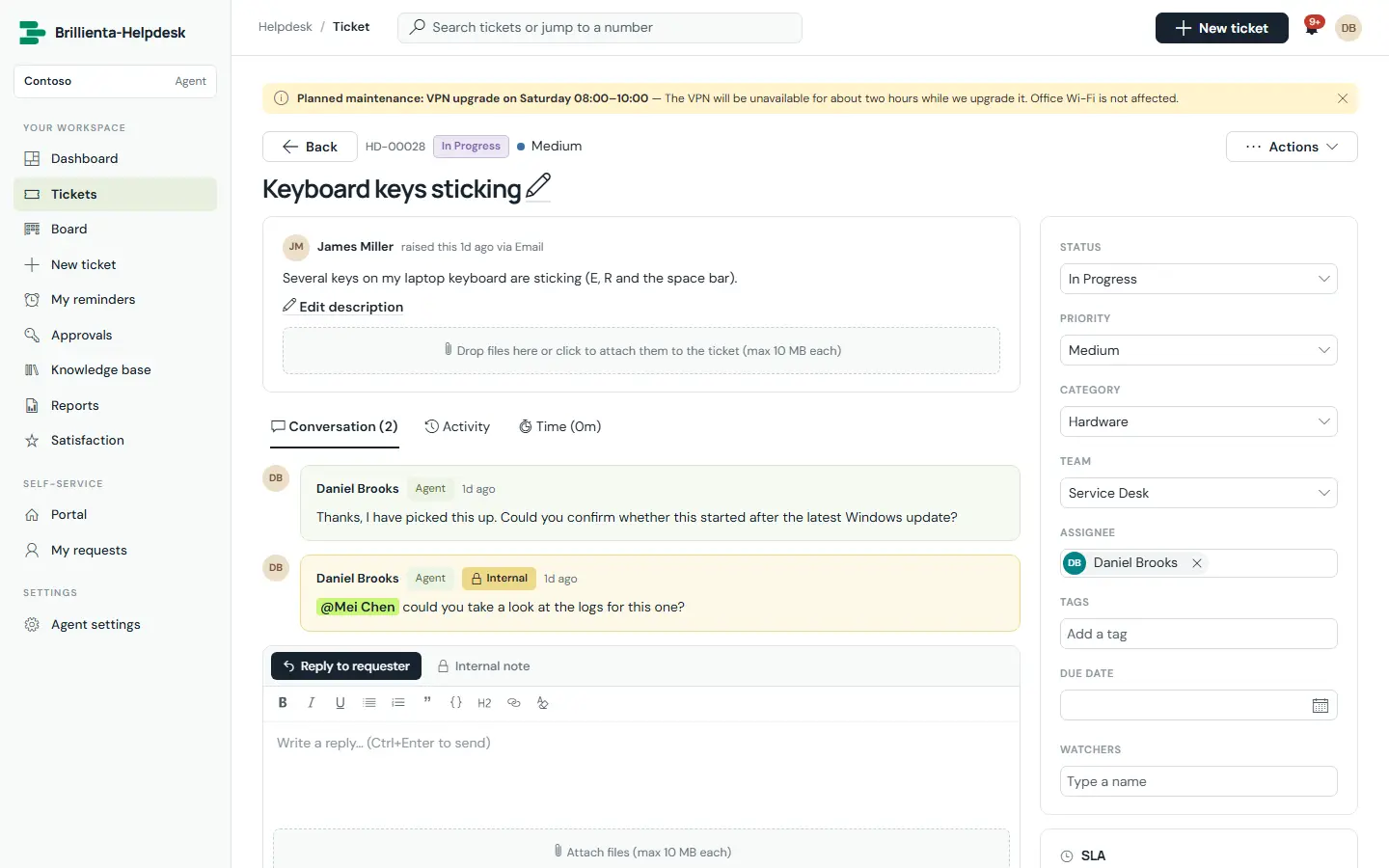
Each priority has a first-response and a resolution target in business minutes. Time counts only inside your business hours in the helpdesk time zone — skipping evenings, weekends and holidays, DST-safe — and the clock pauses while a ticket waits for the customer.
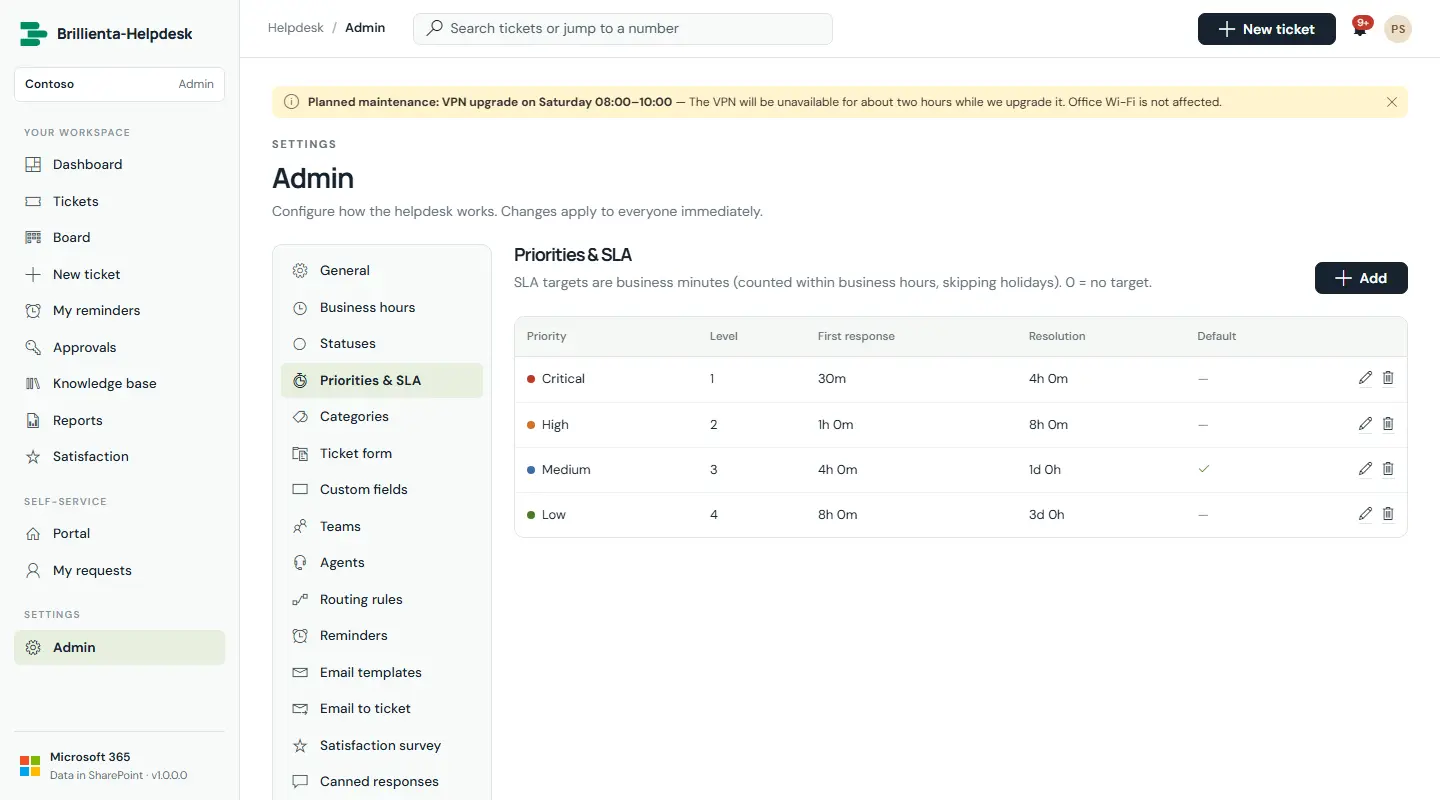
Rules with all/any conditions on category, service, sub-service, priority, subject, description, requester email, source, tag and custom fields — setting team, assignee, priority, tags and watchers. A built-in tester shows which rule a sample ticket would hit, and every automatic decision writes its reason to the ticket history.
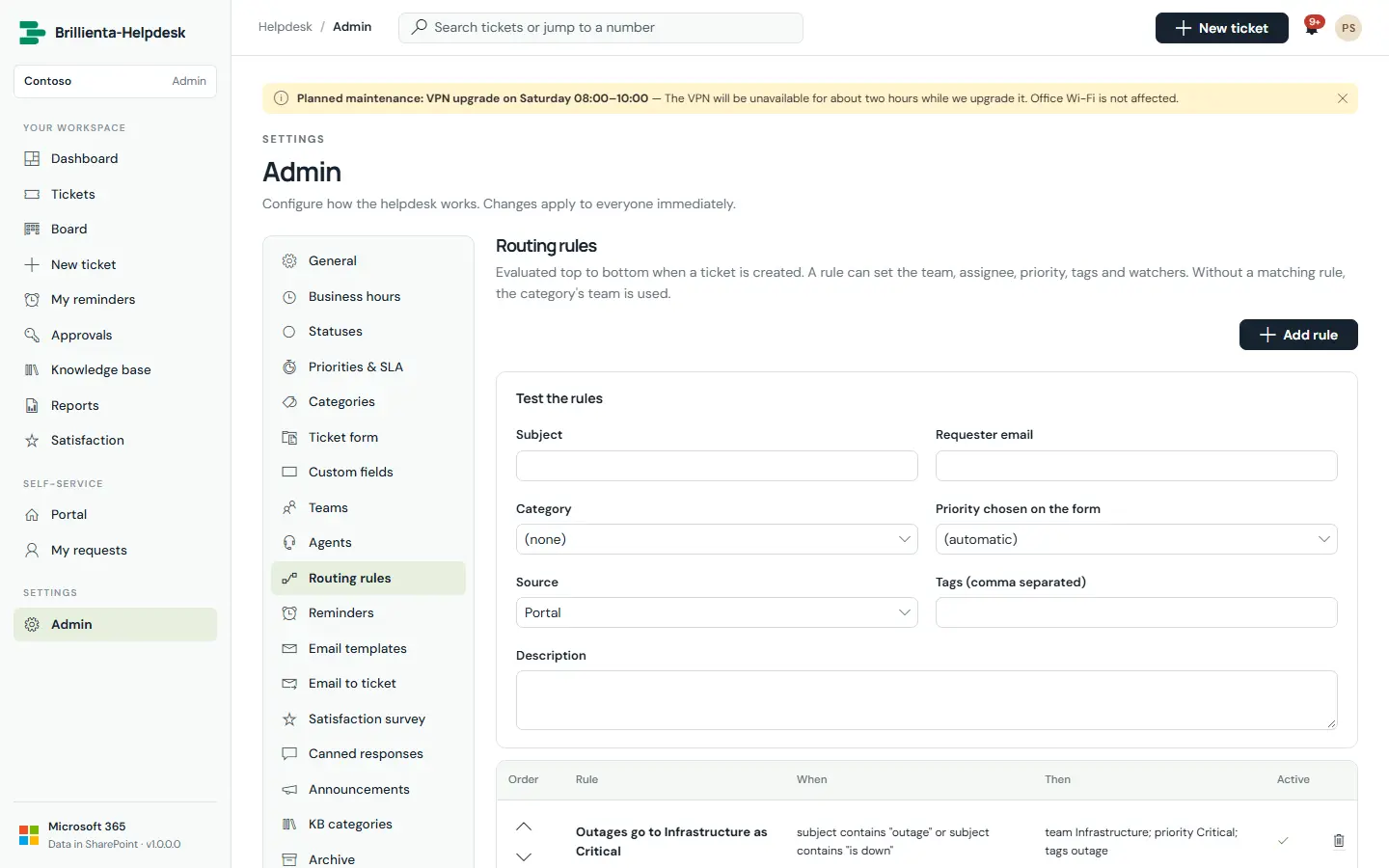
Self-service answers with categories and featured articles; helpful / not-helpful votes teach the helpdesk which articles deflect tickets. Categories can require approval by a named person or the requester’s manager — the SLA starts only once approved, and a rejection closes the request with the reason.
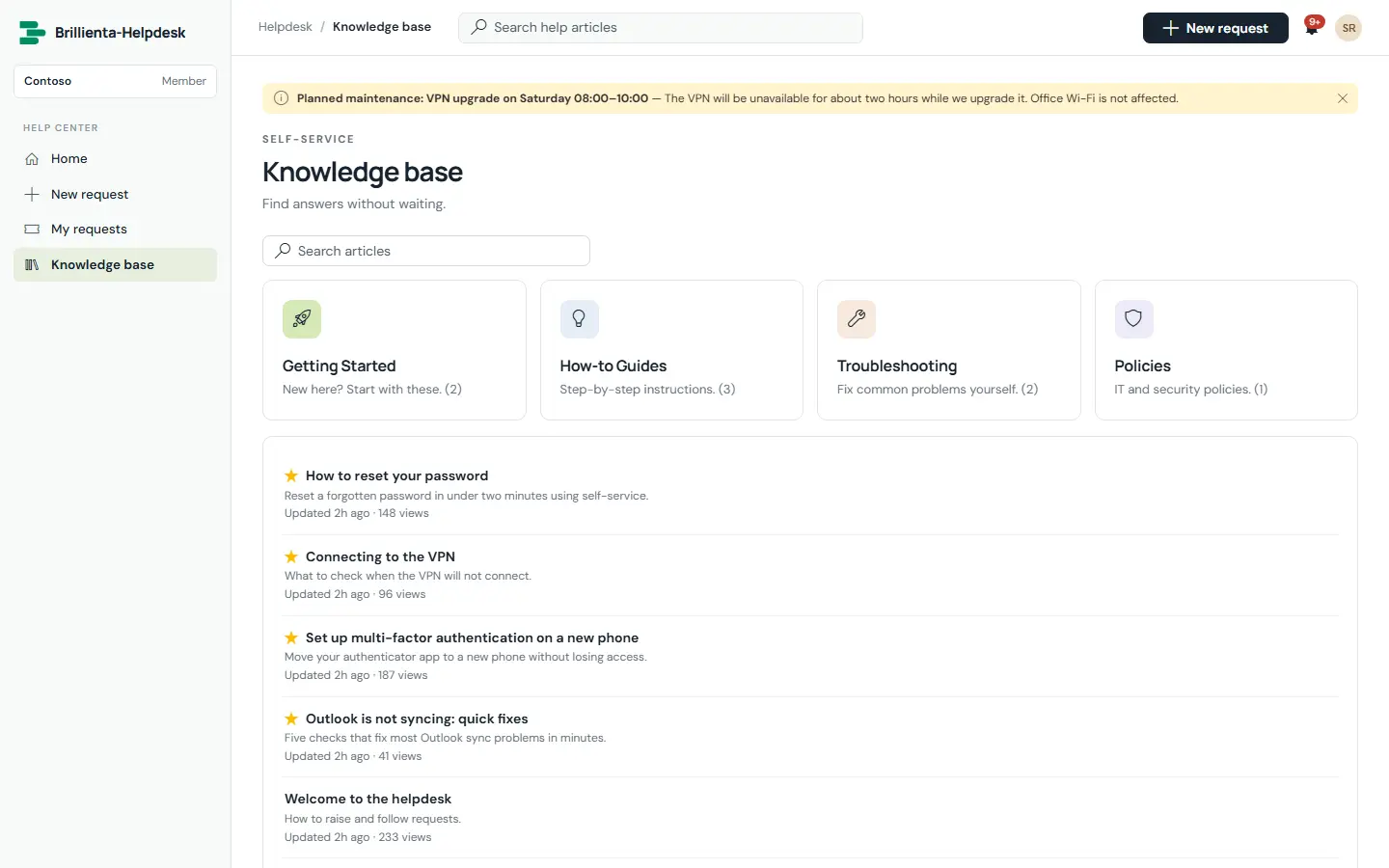
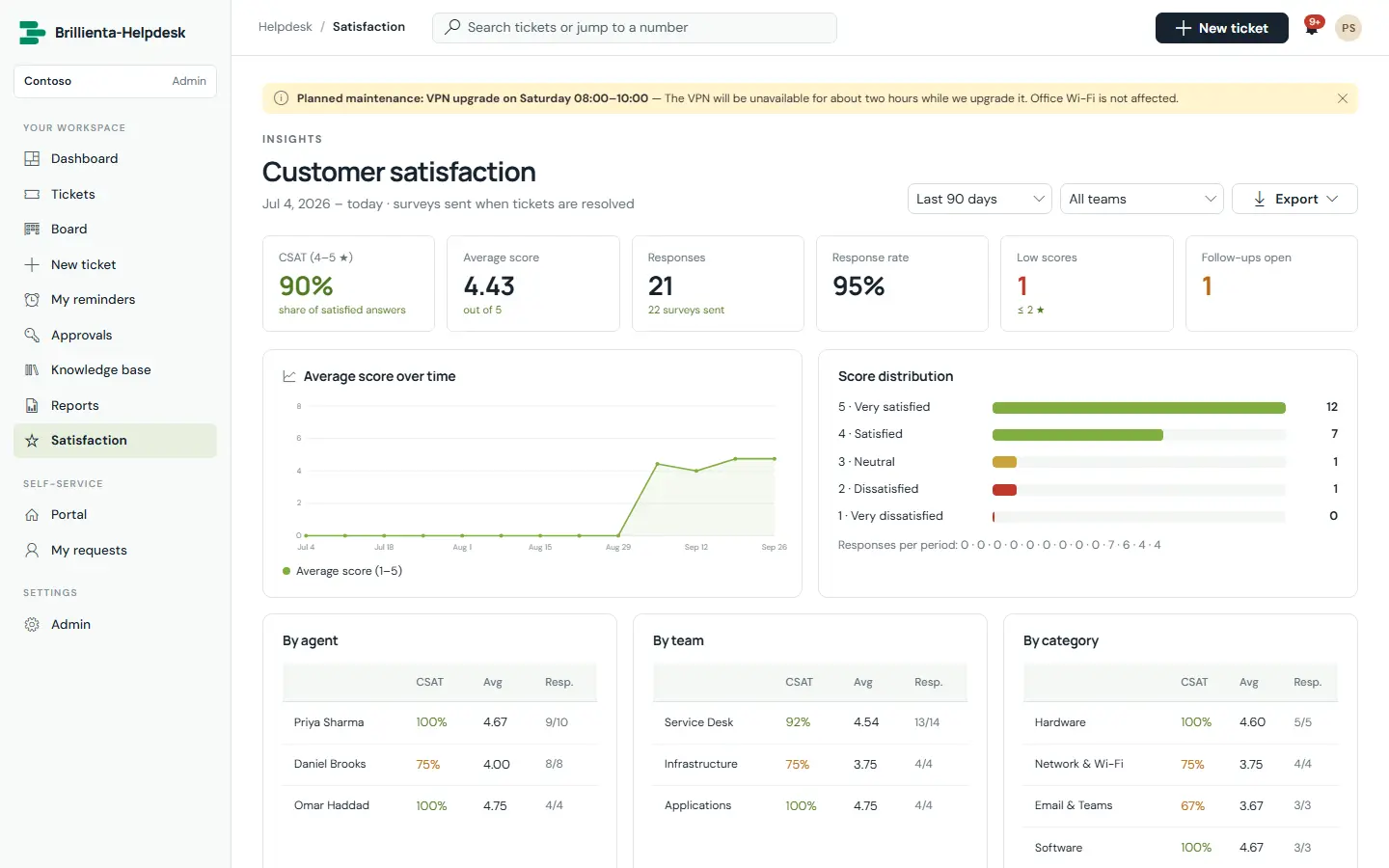
All the charts, in tabs — Today, Trends, SLA, Agents & teams, Categories & services, Requesters, Satisfaction, Backlog — each compared with the previous period, with plain-sentence highlights. Reports add tables and exports under a report cover; the satisfaction dashboard breaks CSAT down by agent, team and category.
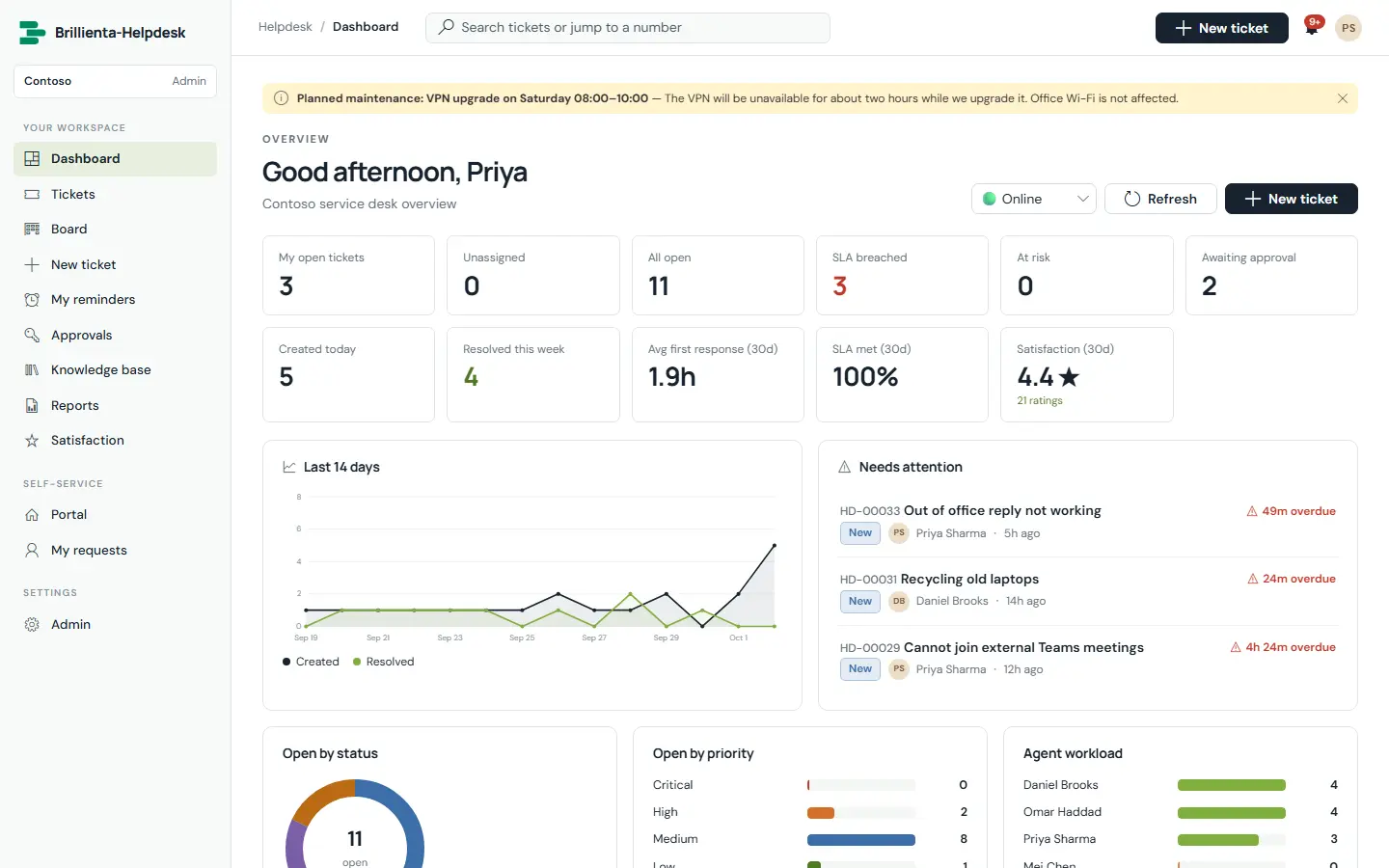
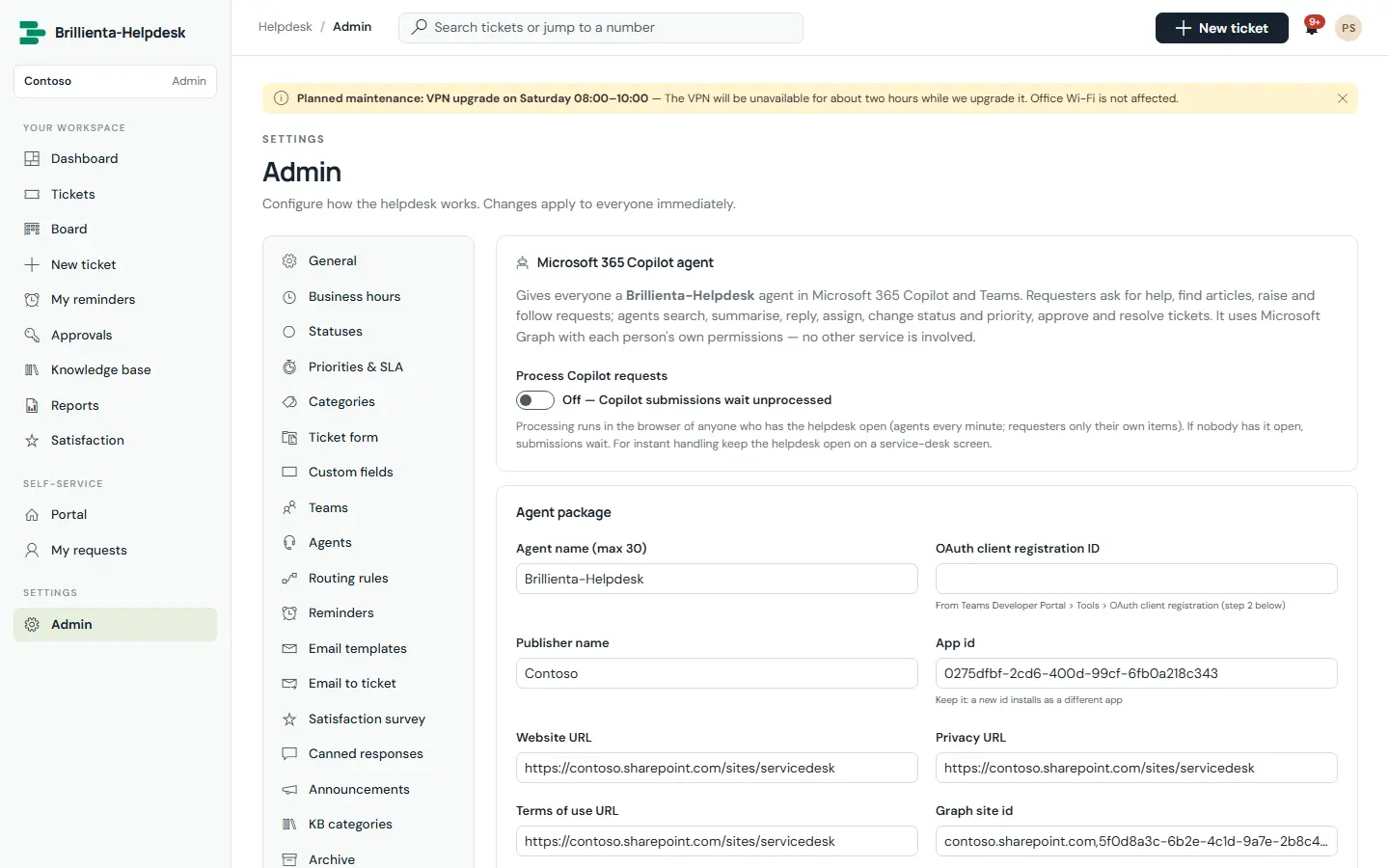
Turn a shared mailbox into tickets and replies — for colleagues and external customers — and build a declarative agent for Microsoft 365 Copilot and Teams, tailored to your categories and statuses, as a ready-to-upload package.
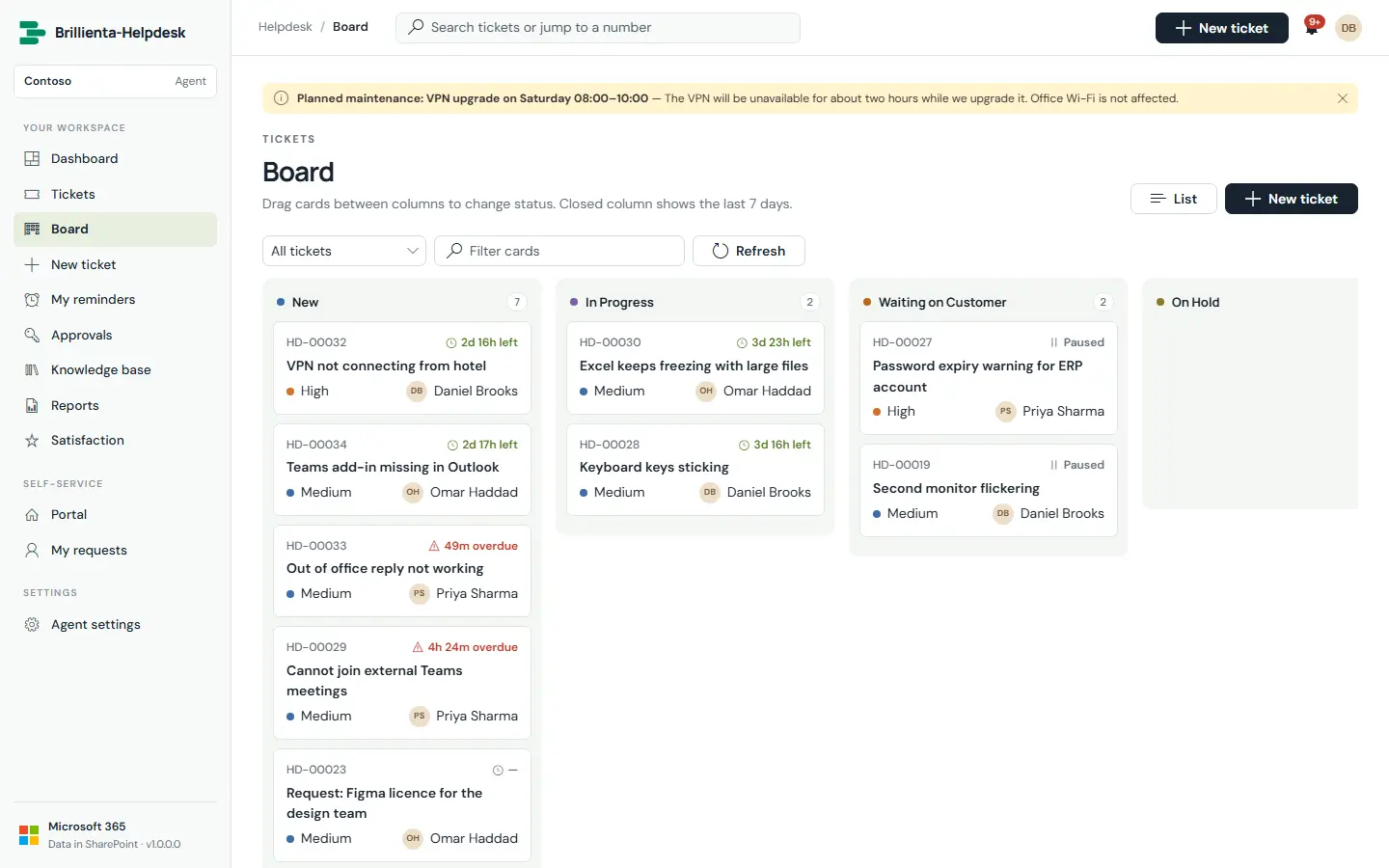
Drag cards between status columns for stand-ups (Pro).
An in-app bell plus personal reminders delivered on time, even offline.
Placeholders, signatures and one-click macros for common replies.
A standard form plus one per team; hidden / optional / required per field (Pro).
Move old closed tickets to a verified archive; restore with the original number (Enterprise).
Rename Ticket, Requester, Agent, Team, Category everywhere (e.g. Team → Department).
Start and end time, audience and severity on the portal.
Agents set online, away or offline — automatic assignment respects it.
HOW IT WORKS
No server, database or Azure function. The app runs as the signed-in person and reads and writes only your site.
Runs in the browser as the signed-in user: portal, agent workspace, dashboards and Admin pages.
Hidden lists with the prefix HD_: tickets, replies, history, settings, queues, knowledge base, surveys and the email outbox.
Email (from your support mailbox), reminders when nobody is online, and email-to-ticket — all in your environment.
| Microsoft Graph permission | Used for |
|---|---|
| None | The package requests no Microsoft Graph permissions. Email, reminders and Copilot run through flows and lists in your tenant. |
Delegated permissions, approved once by an administrator in the SharePoint admin center. If one isn’t approved, only that feature is unavailable.
ADMINISTRATION
Admins change everything in the app’s own Admin pages, with validation before anything saves.
Organisation, portal texts, ticket prefix, brand colour, time zone, logo, banner, refresh interval and maintenance mode.
The service catalogue behind the portal tiles, with sub-services, icons, handling teams and visibility.
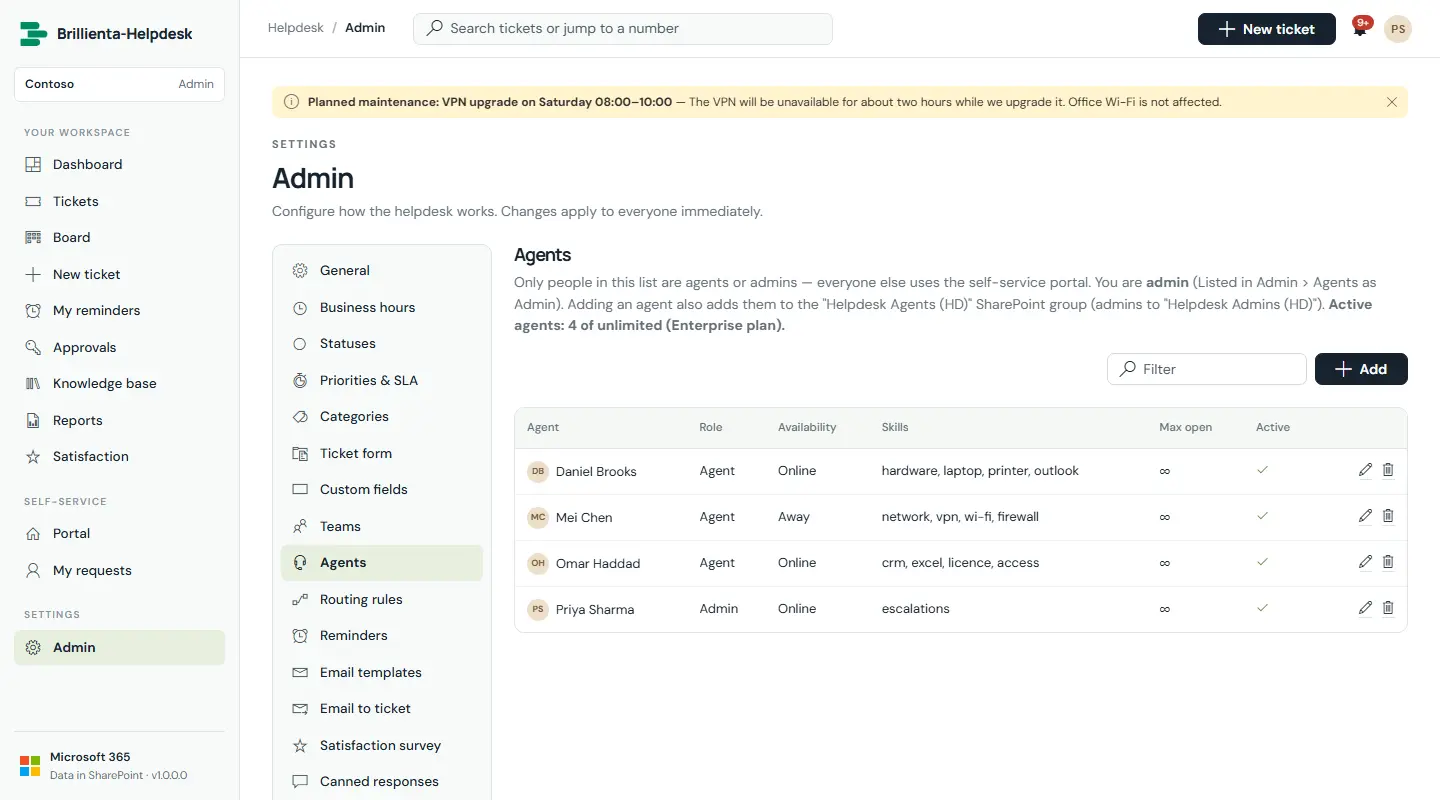
Members, leads, strategies, roles, availability, skills, caps and signatures — saving keeps SharePoint groups in step.
Targets per priority, working days and hours, one-off and yearly holidays.
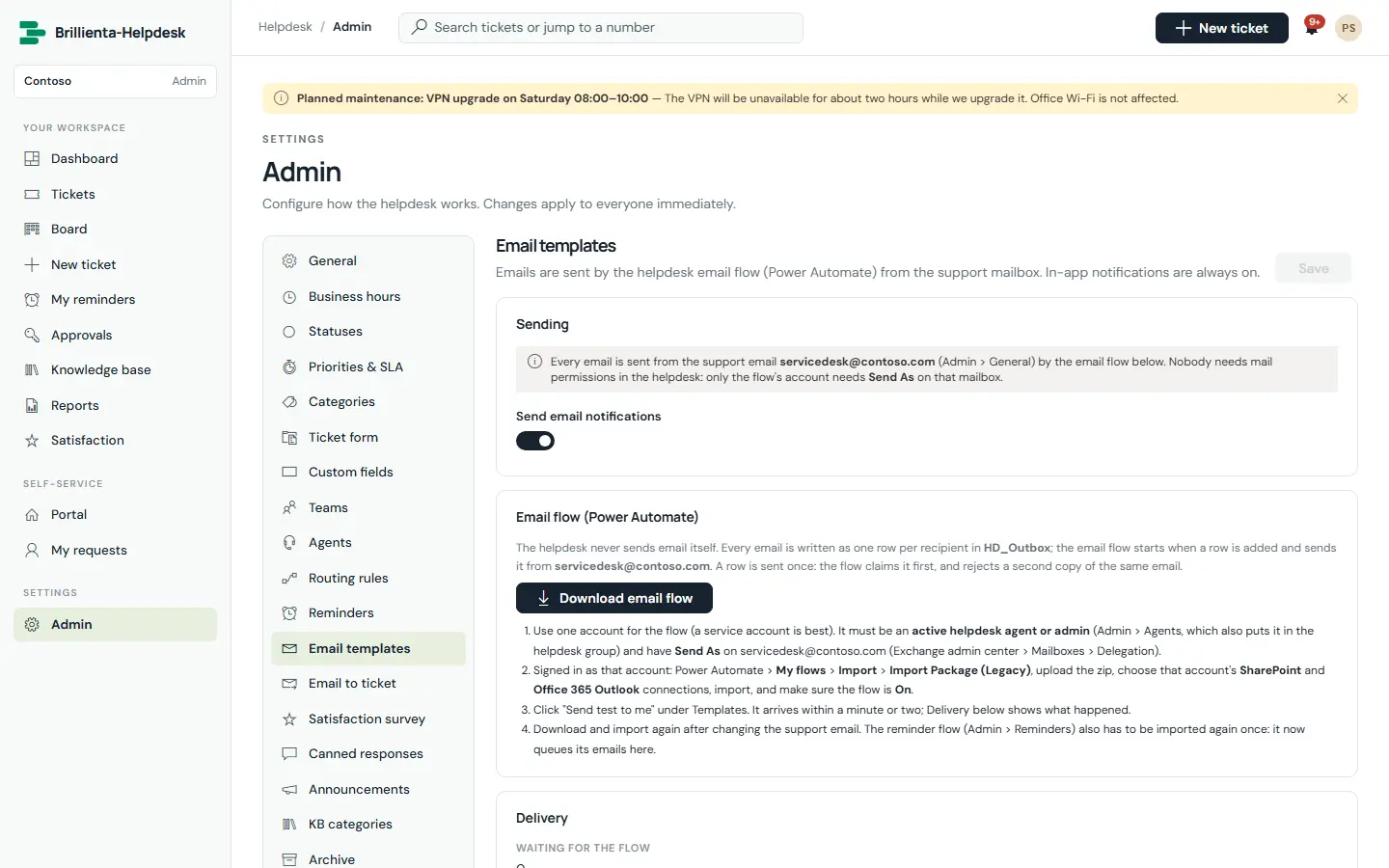
Master switch, branded header, footers, one template per event, preview and “Send test to me”.
Waiting-for-requester, pending approval, unassigned, no-activity and due-date rules with business-time counting.
Scale, conditional questions, reminders, closing date and low-score actions, with a live preview.
Requester privacy in three steps, validate and repair, apply security, and plan & licence.
ROLES & PERMISSIONS
The role decides what the screens offer; SharePoint permissions, set up by the app, decide what can actually be read and changed. Features also depend on the plan.
| Capability | Requester | Agent | Admin |
|---|---|---|---|
| Raise requests, use the knowledge base, watch requests | ✓ | ✓ | ✓ |
| Reply, add files, mark resolved, reopen | Own | ✓ | ✓ |
| Approve or reject requests | If assigned | ✓ if assigned | ✓ |
| Queue, board, ticket workspace, time tracking | — | ✓ | ✓ |
| Dashboard, reports, satisfaction, archive | — | ✓ | ✓ |
| Knowledge articles, canned responses, announcements | — | ✓ | ✓ |
| Change settings | — | Parts allowed | ✓ |
| Apply security; check and repair lists | — | — | ✓ site owner |
SECURITY
All data lives in your SharePoint site and moves only through SharePoint and your own flows. There is no analytics, tracking or vendor cloud.
Security & your data ↗PRICING
One flat price per tenant — not per user. Start with a 14-day trial of every feature, then pick the plan that fits.
Ticketing, portal, knowledge base and SLAs for a small service desk
billed yearly · $468 / year
≈ $7.80 per agent per month at full seats
Automation: routing, approvals, satisfaction surveys, custom forms and templates
billed yearly · $1,548 / year
≈ $5.16 per agent per month at full seats
Everything in Plus, plus:
Email to ticket, Microsoft 365 Copilot, archive and unlimited agents
billed yearly · $4,188 / year
Flat price — no per-agent charges
Everything in Pro, plus:
Prices in USD per Microsoft 365 tenant, excluding taxes. Seats count agents. Requesters are always free. Every installation starts with a 14-day trial of all Enterprise features — no card needed. Larger seat counts and multi-year terms: talk to us.
| Feature | Plus | Pro | Enterprise |
|---|---|---|---|
| Tickets, statuses, priorities, categories and teams | ✓ | ✓ | ✓ |
| Self-service portal and My requests | ✓ | ✓ | ✓ |
| Knowledge base | ✓ | ✓ | ✓ |
| Announcements | ✓ | ✓ | ✓ |
| Canned responses | ✓ | ✓ | ✓ |
| SLA targets, warnings and escalation | ✓ | ✓ | ✓ |
| Email notifications (standard templates) | ✓ | ✓ | ✓ |
| Personal reminders | ✓ | ✓ | ✓ |
| Reminders to requesters, auto-resolve | ✓ | ✓ | ✓ |
| Dashboard and reports | ✓ | ✓ | ✓ |
| Routing rules and auto-assignment | — | ✓ | ✓ |
| Business hours and holidays | — | ✓ | ✓ |
| Custom fields | — | ✓ | ✓ |
| Ticket form designer | — | ✓ | ✓ |
| Approvals | — | ✓ | ✓ |
| Customer satisfaction surveys | — | ✓ | ✓ |
| Time tracking | — | ✓ | ✓ |
| Kanban board | — | ✓ | ✓ |
| Suggested articles while raising a ticket | — | ✓ | ✓ |
| Custom email templates | — | ✓ | ✓ |
| Approval, unassigned, no-activity and due-date reminders | — | ✓ | ✓ |
| Email to ticket and external requesters | — | — | ✓ |
| Microsoft 365 Copilot agent | — | — | ✓ |
| Archive and retention | — | — | ✓ |
SUITE BUNDLE
HRMS, Helpdesk, Asset Management, Employee Directory and TaskManager — each on its Pro plan.
DEPLOYMENT
Most of the time goes on choosing the site and the people for each role.
Add helpdesk-system.sppkg to the app catalog, deploy it and add the app to your helpdesk site.
Add Brillienta Helpdesk to a full-width page — or as a Teams tab or personal app.
Organisation name, ticket prefix, time zone, business hours, admins and agents; starter content and security.
Download the email and reminder flows from Admin, import them in Power Automate and “Send test to me”.
Copy the tenant ID from Admin › Plan & licence and paste the key — or keep the 14-day trial running.
In SharePoint lists on a site in your own tenant, covered by your retention, eDiscovery and access policies. There is no vendor cloud.
None beyond SharePoint Online plus Power Automate standard connectors for the flows. No servers, databases or Azure subscriptions.
No. Plans count agents only; every employee can raise and follow requests.
Yes. The layout adapts to phone width, and the package supports Teams tabs and personal apps.
Yes. Every change is written to the activity log, and tickets and articles keep SharePoint version history.
It stays where it has always been — in your SharePoint lists, readable by tools such as Power BI.
RESOURCES
The complete documentation, our security model and practical articles for Brillienta Helpdesk.
TRY IT ON YOUR TENANT